




Why Choose Enterprise WordPress Hosting? Unlock Power, Performance, and Peace of Mind
Choosing the right enterprise WordPress hosting provider can transform your high-traffic website from a constant source of technical headaches into a competitive business advantage. Enterprise-ready WordPress hosting solutions are specifically designed to meet the needs of large, high-traffic, mission-critical websites, offering advanced security, performance, scalability, dedicated infrastructure, and expert support. With mission-critical websites demanding 99.9%+ uptime, sub-second load times, and iron-clad security, the stakes have never been higher for enterprise organizations running on WordPress.
Enterprise WordPress hosting is a premium managed service designed for large organizations with high-traffic, business-critical websites. These solutions provide the reliability and support required for enterprise-level operations.
This comprehensive guide compares the top 10 enterprise WordPress hosting providers for 2026, breaking down features, pricing, and performance so you can make an informed decision for your organization’s needs.
Introduction to Enterprise Hosting
Enterprise hosting is a specialized web hosting service designed to meet the demanding needs of large-scale, business-critical websites. Unlike standard hosting, enterprise hosting delivers dedicated resources and advanced security features to ensure that your online operations run smoothly, no matter how complex or high-traffic they become. This type of hosting is ideal for organizations managing multiple WordPress sites, e-commerce platforms, or online stores where uptime, speed, and data protection are non-negotiable.
With managed WordPress hosting, businesses can offload the technical complexities of website management and ongoing website maintenance to a trusted hosting provider.. This means your team can focus on core business objectives while the hosting service handles everything from server optimization to security monitoring. Enterprise hosting solutions also provide expert support, ensuring that any issues are resolved quickly by professionals who understand the unique requirements of WordPress hosting at scale. Whether you’re running a single high-traffic site or coordinating multiple WordPress sites across different departments or client portfolios, enterprise hosting offers the reliability, performance, and security features your business needs to thrive online.
Optimize Your Enterprise WordPress Success
The managed WordPress hosting landscape has evolved dramatically over the past few years. What once required dedicated IT teams and custom infrastructure can now be achieved through specialized hosting providers. Choosing a reputable hosting company with a strong reputation for reliability, service quality, and customer support is essential for meeting the unique demands of enterprise-level WordPress websites.
Whether you’re managing a single high-traffic WordPress site or overseeing multiple sites across your organization, the right hosting solution delivers:
- Guaranteed performance under heavy traffic loads
- Enterprise-grade security with proactive threat mitigation
- Expert support from WordPress experts who understand your platform
- Scalability that grows alongside your business
At the enterprise level, expert support means 24/7 availability with WordPress experts who understand complex configurations.
This guide will help you evaluate enterprise and standard hosting environments, understand their key differences, and identify which hosting provider aligns with your specific requirements.

What Makes Enterprise WordPress Hosting Unique?
Enterprise WordPress Hosting – Dedicated Infrastructure Excellence
Enterprise hosting operates on a fundamentally different level than standard shared hosting solutions. At its core, enterprise WordPress hosting provides dedicated resources and complete control over your hosting environment, eliminating the performance bottlenecks that plague shared infrastructure.
Infrastructure Advantages:
| Feature | Enterprise Benefit |
|---|---|
| Dedicated CPU Cores | Guaranteed processing power without competition |
| RAM Allocation | Isolated memory resources for consistent performance |
| Server Environment | Completely isolated from other customers |
| Storage | NVMe SSD with dedicated I/O operations |
The security features built into enterprise hosting platforms go far beyond basic SSL certificates. You get comprehensive protection, including a web application firewall, DDoS mitigation, and continuous, automated malware scanning.
Enterprise WordPress hosting is powered by advanced infrastructure and seamlessly integrates with content delivery networks like Cloudflare, ensuring high performance, layered WordPress security protections, and scalability for large-scale websites.
Most enterprise hosting providers deliver 24/7 expert WordPress support with response times under 15 minutes. This isn’t generic hosting support—these are WordPress professionals who understand WordPress core architecture, common plugin conflicts, and performance optimization strategies.
Integration with a content delivery network (CDN) is essential for enterprise WordPress hosting to serve visitors with minimal latency. Perhaps most importantly, enterprise hosting includes automatic scaling capabilities. When your marketing campaign goes viral or your content gets picked up by major publications, your infrastructure scales automatically to handle traffic spikes without manual intervention.
Standard WordPress Hosting – Shared Resource Limitations
Standard WordPress hosting relies on shared server resources, meaning your WordPress site competes with dozens or even hundreds of other websites for CPU, memory, and storage. Standard hosting may also not support the full range of WordPress plugins or advanced performance optimizations, limiting your ability to fully customize and enhance your site.
Key Limitations of Standard Hosting:
- Resource contention with neighbouring sites during peak usage
- Limited control over server configuration and PHP settings
- Basic security features without proactive threat monitoring
- Generic support from agents unfamiliar with WordPress-specific issues
- Manual scaling requires intervention during traffic surges
For small websites with predictable, low traffic, standard hosting can work adequately. However, enterprise-level operations require guaranteed resources, robust security, and expert advisory services that standard hosting simply cannot provide, which should be factored in when you calculate the full cost of a WordPress website.
During high-demand periods, shared hosting environments often experience slowdowns as multiple sites compete for limited resources. For mission-critical business websites, this performance variability is unacceptable. Enterprise WordPress hosting providers often include specific page load time commitments and server response time guarantees as part of their performance benchmarks.
Essential Features for WordPress Hosting
When evaluating WordPress hosting solutions, it’s crucial to look for a hosting platform that offers a robust set of features tailored to enterprise needs. At the core, dedicated resources such as isolated CPU cores and ample RAM ensure your website maintains peak performance, even during traffic surges. Security is paramount—look for a hosting platform that includes comprehensive security monitoring, a free SSL certificate, and advanced security features like a web application firewall, DDoS protection, and automated malware scanning. These layers of protection help safeguard your data and maintain customer trust.
Automatic updates, SEO-conscious theme choices, and regular backups are also essential, minimizing downtime and ensuring your site is always running the latest, most secure version of WordPress while preserving strong SEO performance from your theme. Leading providers, such as Kinsta, offer daily automated backups, one-click restores, and seamless automatic updates to keep your site secure and up to date. Expert support is another must-have, providing access to WordPress professionals who can quickly resolve technical issues and offer guidance on best practices. By choosing a WordPress hosting platform with these essential features, you ensure your website is protected, high-performing, and supported by a team of experts.
Enterprise vs Standard WordPress Hosting: What’s the Difference?
Understanding the technical differences between enterprise and standard hosting helps clarify why enterprise solutions command premium pricing—and why they’re worth the investment for organizations with serious performance requirements. Enterprise WordPress hosting often offers a range of WordPress plans, each tailored with features such as managed services, enhanced security, automated backups, and specialized tools to optimize WordPress sites—differences that become even clearer when comparing Drupal vs WordPress for enterprise CMS needs. These plans are available in various tiers to meet different business needs, providing flexibility and scalability.
When it comes to pricing, enterprise WordPress hosting typically uses transparent, predictable pricing models, which simplify budget planning for organizations. This allows businesses to better forecast expenses and avoid unexpected charges.
Performance and Infrastructure
Enterprise Infrastructure:
- Google Cloud or equivalent premium cloud platforms
- Dedicated CPU cores with guaranteed allocation
- NVMe SSD storage with unmetered bandwidth
- Global content delivery network integration
- Sub-second load times with unmatched speed
- 99.9%+ uptime guarantees backed by SLA
- Automatic platform maintenance and auto-scaling
Standard Infrastructure:
- Shared hosting servers with variable resources
- Limited processing power during peak times
- Basic storage with potential I/O bottlenecks
- Minimal or no CDN support included
- Variable performance based on server load
- Basic uptime commitments without guarantees
- Manual intervention is required for scaling
The performance gap between enterprise and standard hosting becomes most apparent under load. Enterprise platforms utilize sophisticated multi-tier architecture that distributes traffic across multiple servers, while standard hosting funnels all requests through shared infrastructure.
Security and Compliance
Enterprise organizations face regulatory requirements and security expectations that demand comprehensive security monitoring far beyond what standard hosting provides.
Enterprise Security Stack:
| Security Layer | Implementation |
|---|---|
| Perimeter Defense | Enterprise-grade WAF with real-time threat intelligence |
| DDoS Protection | Multi-layer mitigation with automatic scaling |
| Malware Detection | Automated malware scanning and removal |
| Compliance | SOC 2 Type II, GDPR, HIPAA, PCI DSS capabilities |
| Backups | Automated backups with point-in-time recovery |
Standard Security Stack:
| Security Layer | Implementation |
|---|---|
| Basic Protection | Free ssl certificate and basic firewall rules |
| DDoS Protection | Limited or no protection against attacks |
| Malware Detection | Manual scanning required |
| Compliance | No enterprise compliance certifications |
| Backups | Manual or basic automated backups |
For organizations handling sensitive customer data, processing payments through an online store, or operating in regulated industries, enterprise security isn’t optional—it’s mandatory, especially when you’re evaluating WooCommerce vs Shopify as your eCommerce platform.
Support and Service Levels
The support team differences between enterprise and standard hosting extend beyond response times to fundamental expertise levels.
Enterprise Support Features:
- 24/7 access to WordPress experts with platform-specific knowledge
- Priority support queues with guaranteed response times
- Dedicated account management for strategic guidance
- Proactive monitoring with issue resolution before you notice problems
- Industry leading wordpress support backed by formal SLAs
Standard Support Limitations:
- Limited support hours (often business hours only)
- General hosting support without WordPress specialization
- Ticket-based assistance with multi-day response times
- Reactive support model requiring customer-initiated contact
- Best-effort service without formal commitments
Enterprise-managed WordPress hosting providers actively monitor your sites for performance issues, proactively applying security patches and optimizing configurations. This contrasts sharply with standard hosting, where you’re responsible for detecting and resolving issues yourself.

Choosing the Right Hosting Plan
Selecting the right hosting plan is a critical decision for any business, especially those with complex or rapidly growing online operations. When comparing managed WordPress hosting plans, consider the performance, security, and scalability each provider offers. Look for plans that provide dedicated resources and can easily scale as your website traffic increases. Flexible hosting plans are essential for adapting to your business’s evolving needs without costly migrations or downtime.
Support is another key factor—ensure your hosting service includes access to a knowledgeable support team that can assist with everything from technical troubleshooting to free site migration. Many top providers, such as HostPapa, offer a day money-back guarantee, giving you peace of mind as you evaluate their managed WordPress hosting solutions. Features like free site migration and expert support can make the transition to a new hosting provider seamless, allowing you to focus on your business while the technical details are handled by professionals. Ultimately, the right hosting plan should offer a balance of performance, security, and support, backed by a provider committed to your long-term success.
Top 10 Enterprise WordPress Hosting Providers 2026
After extensive analysis of infrastructure quality, support capabilities, security features, and pricing transparency, here are the top 10 enterprise WordPress hosting providers for 2026. Many of these providers offer managed WordPress plans that include comprehensive features such as enhanced security, automated backups, and performance optimization tailored to WordPress websites.
When considering pricing, enterprise WordPress hosting typically ranges from $300 to $2,000+ per month, depending on traffic and feature requirements.
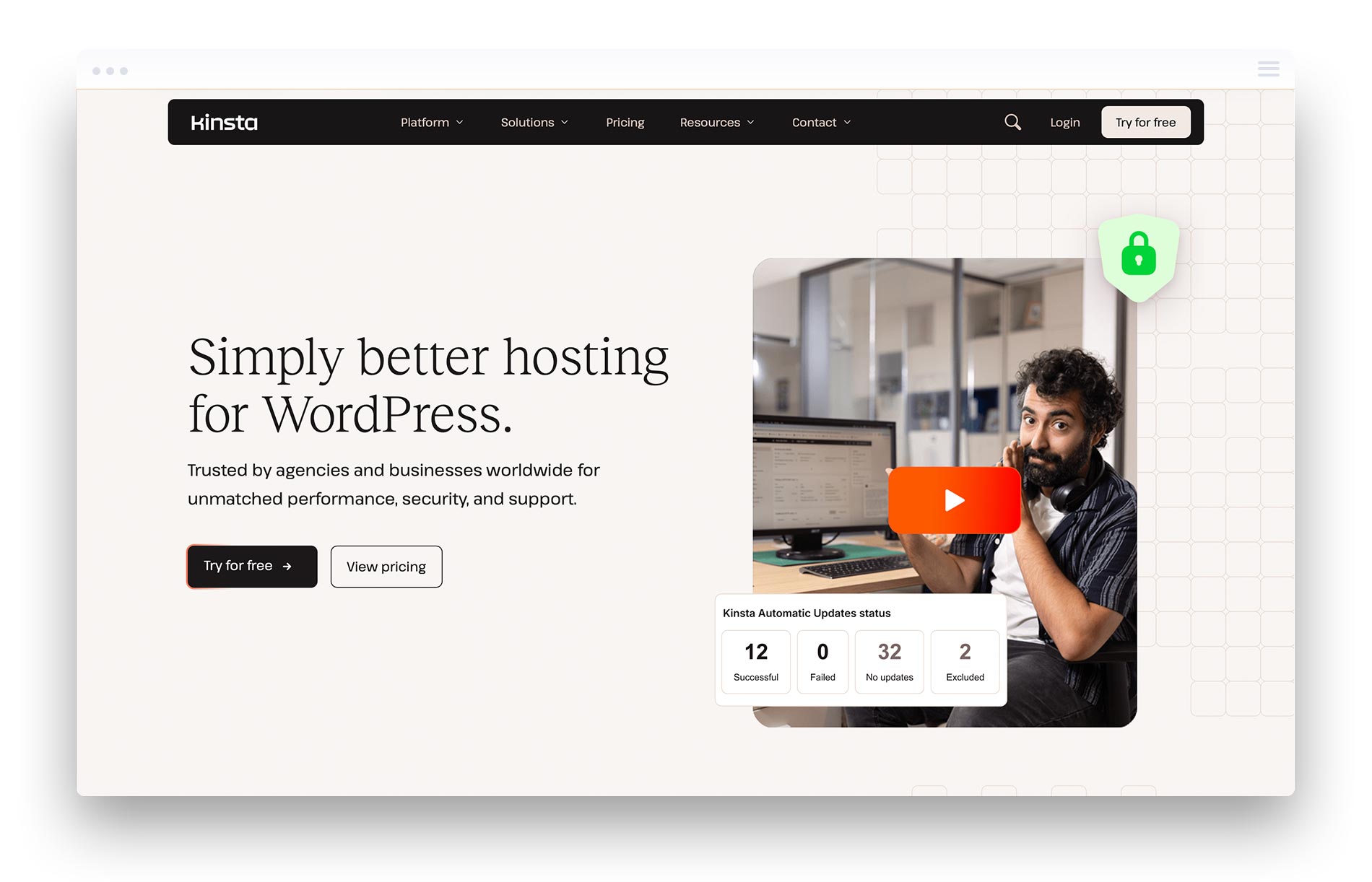
#1 Kinsta – Top Rated Enterprise Provider
Kinsta has established itself as the premier managed hosting platform for enterprise WordPress deployments, leveraging Google Cloud Platform’s C2 compute-optimized machines to deliver exceptional performance.
Overview: Kinsta’s infrastructure runs exclusively on Google Cloud Platform’s premium tier network, providing access to 37 global data centers. Their proprietary MyKinsta dashboard offers real-time performance monitoring and site management capabilities that simplify complex operations.
Key Features:
- Premium-tier Google Cloud network with C2 machines
- MyKinsta dashboard with comprehensive analytics and Google Analytics integration
- Automatic daily backups with 14-day retention
- Free site migration with zero downtime
- Staging environments with just a few clicks
- Support for multiple php versions
- Unlimited php workers on higher plans
- Built-in CDN with 260+ PoP locations
- wp cli access and SSH connectivity
- Pre-installed WordPress for easy setup
Leading enterprise WordPress hosting plans, such as Kinsta, offer features including pre-installed WordPress, free domain registration, free migration services, SSL certificates, and advanced caching technologies.
Pricing:
| Plan | Monthly Cost | Monthly Visits Allowed | Storage | Sites Supported |
|---|---|---|---|---|
| Starter | $35 | 25,000 | 10GB | 1 |
| Pro | $70 | 50,000 | 20GB | 3 |
| Business 1 | $115 | 100,000 | 30GB | 10 |
| Enterprise 1 | $675 | 600,000 | 100GB | 30+ |
Pros:
- Fastest documented performance across independent benchmarks
- Expert support team with average 2-minute response times
- Free website transfer and free migrations for all plans
- Transparent pricing without hidden monthly hosting fees
- Comprehensive staging environments for safe testing
- Excellent performance optimization tools built in
Cons:
- Premium pricing compared to some competitors
- Email hosting not included (requires third-party service)
- Some plans have visit-based limitations
Best For: High-traffic enterprise sites requiring maximum performance, reliability, and responsive expert support. Organizations prioritizing site speed and willing to invest in premium infrastructure.
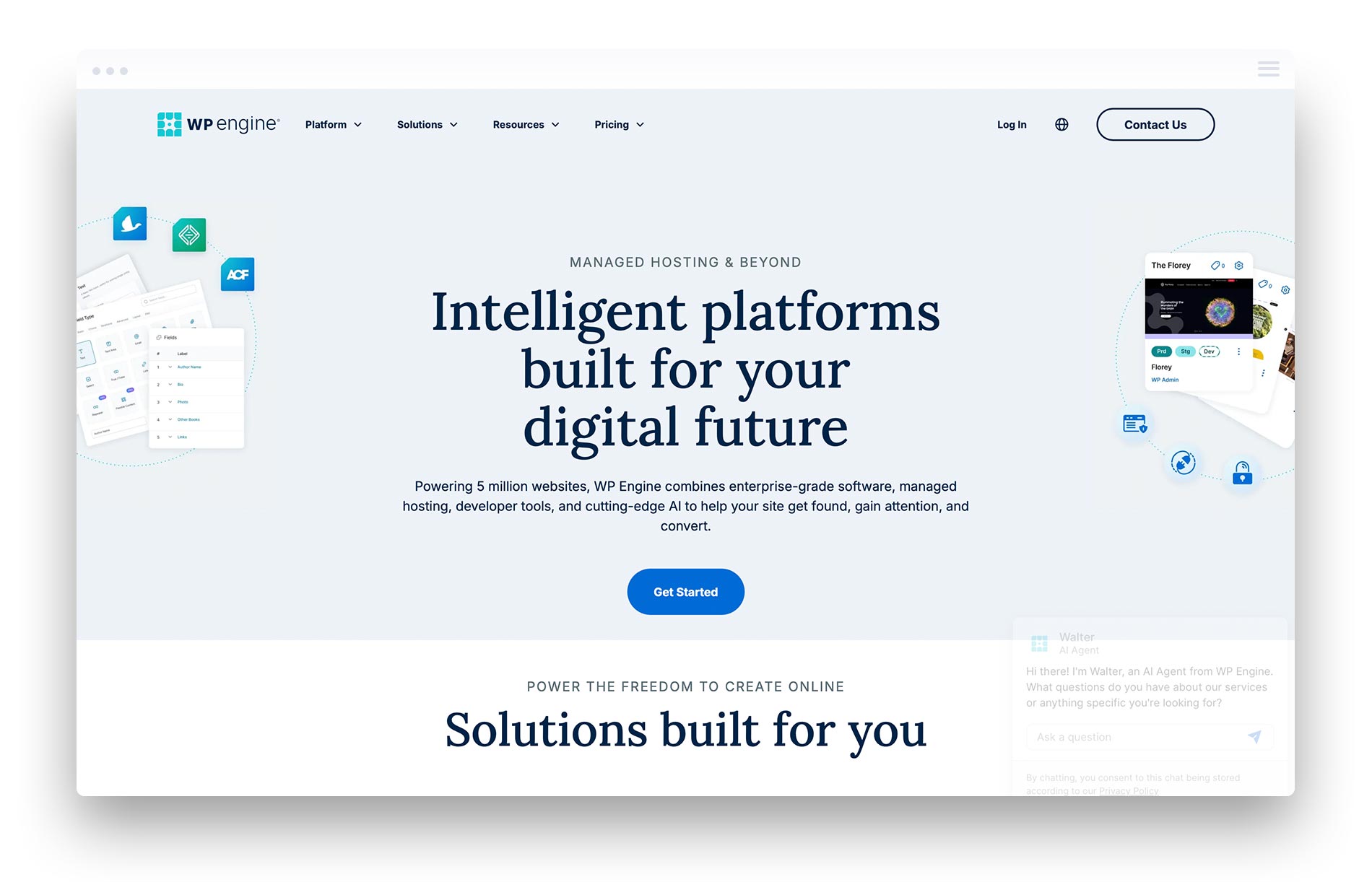
#2 WP Engine – Enterprise Agility Leader
WP Engine has long been a dominant force in managed WordPress hosting, offering a mature platform with strong security features and enterprise-focused capabilities.
Overview: WP Engine provides a comprehensive WordPress hosting platform designed for enterprise agility. Their Genesis framework and extensive marketplace of solutions significantly extend platform capabilities.
Key Features:
- Proprietary EverCache technology for performance optimization
- Genesis Pro themes and blocks included
- Automated plugin updates with visual regression testing
- Global CDN with 40+ edge locations
- Enterprise-grade staging and development environments
- Comprehensive security monitoring and threat detection
- Focus on website security with advanced features such as web application firewalls, DDoS protection, and automated malware scanning. Enterprise WordPress hosting provides these advanced security features to protect against online threats.
Pricing: Here are the pricing tiers for the plans offered:
| Plan | Monthly Cost | Monthly Visits Allowed | Sites Supported |
|---|---|---|---|
| Startup | $29 | Up to 25,000 | 1 |
| Professional | $69 | Up to 75,000 | 3 |
| Growth | $115 | Up to 100,000 | 10 |
| Scale | $290 | Up to 400,000 | 30 or more |
Pros:
- Mature platform with extensive enterprise track record
- Strong website security features, including real-time threat detection, web application firewalls, DDoS protection, and automated malware scanning
- 60-day money-back guarantee for risk-free evaluation
- Excellent developer tools and workflow support
- Large ecosystem of themes and plugins
Cons:
- Performance can lag behind newer cloud-native competitors
- Pricing complexity with add-on features
- Some advanced features require higher-tier plans
Best For: Organizations seeking a proven enterprise platform with comprehensive security monitoring and extensive developer tools.
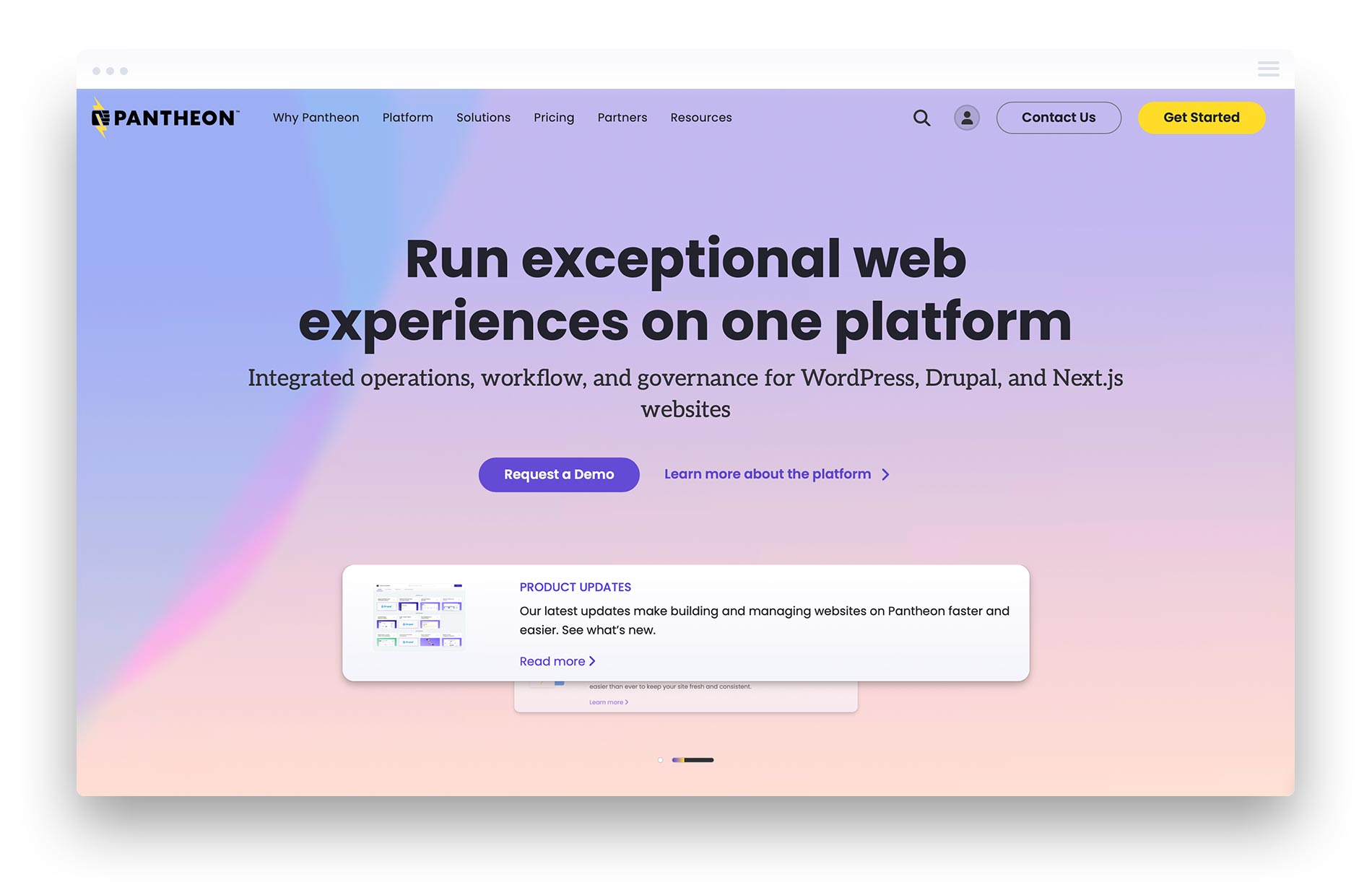
#3 Pantheon – Developer-Focused Platform
Pantheon delivers enterprise hosting with a strong emphasis on developer workflows, version control, and advanced deployment pipelines for complex WordPress service implementations.
Overview: Originally built for Drupal, Pantheon has expanded into a preferred hosting solution for development teams that require sophisticated workflow tools and staging capabilities.
Key Features:
- Git-based version control with automated deployments
- Multidev environments for parallel development
- Automated testing and visual regression tools
- Global CDN with advanced caching
- New Relic performance monitoring is included
- Custom workflow automation capabilities
- Streamlined migration process for transferring sites, including staging and expert support to ensure a smooth transition
- Many enterprise WordPress hosting providers offer free site migration services with minimal downtime
Pricing:
| Plan | Monthly Cost | Monthly Visits Allowed | Sites Supported |
|---|---|---|---|
| Basic | $41 | 25,000 | 1 |
| Performance | $138 | 100,000 | 1 |
| Elite | Custom | 500,000+ | Multiple |
Pros:
- Best-in-class developer workflow tools
- Powerful Multidev for parallel development
- Strong performance with global CDN
- Excellent for agencies managing multiple client sites
Cons:
- Steeper learning curve for non-developers
- Per-site pricing can become expensive
- Less focus on non-technical user experience
Best For: Development teams and agencies requiring advanced workflow tools, version control, and sophisticated deployment pipelines, including those evaluating ExpressionEngine vs WordPress for complex builds.
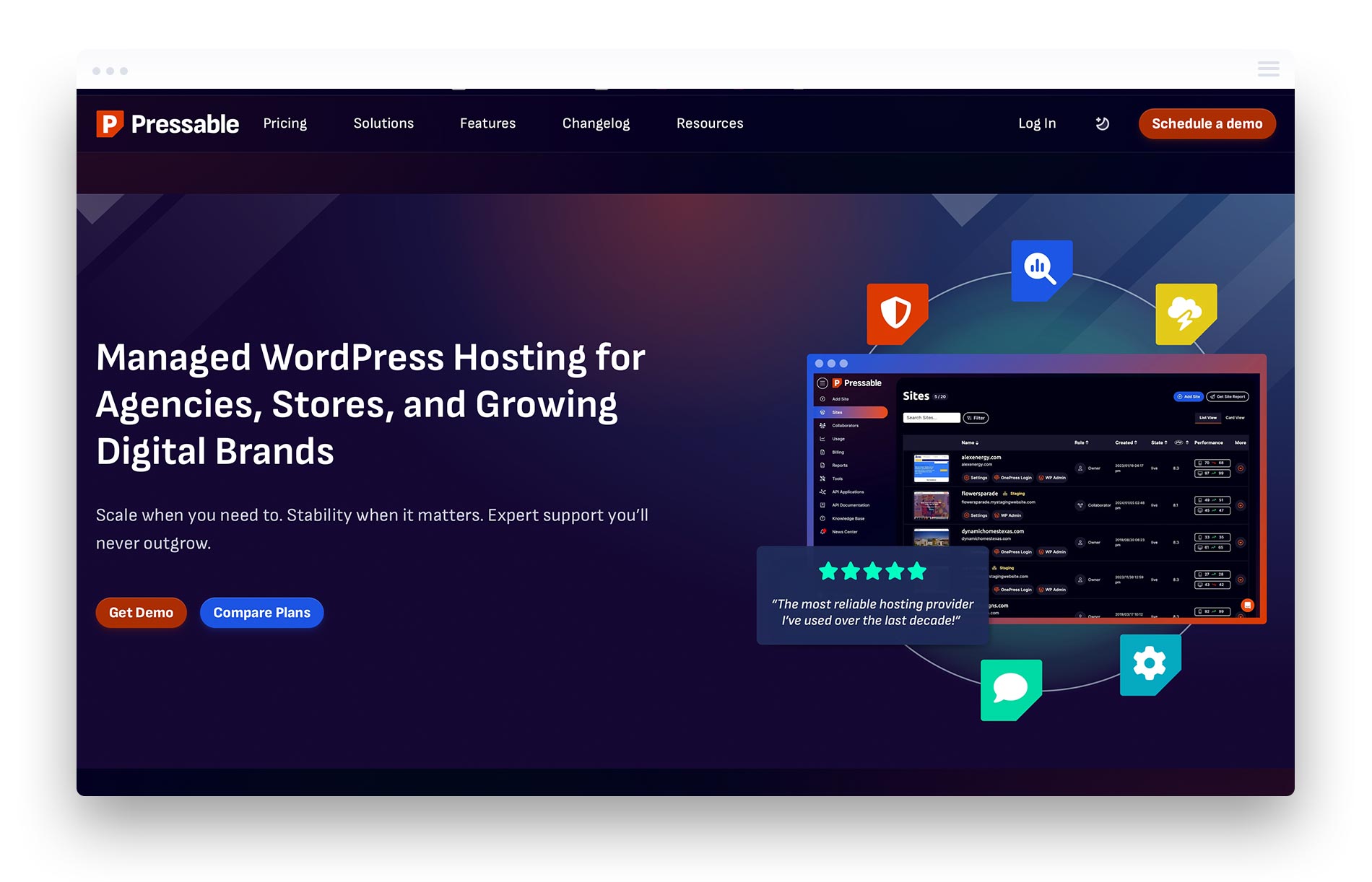
#4 Pressable – Automattic-Powered Hosting
Pressable operates as part of the Automattic family (the company behind WordPress.com and WooCommerce), providing managed hosting for WordPress with deep platform integration.
Overview: With direct access to Automattic’s WordPress experts, Pressable offers enterprise hosting backed by the organization that contributes most significantly to WordPress core development.
Key Features:
- Jetpack Security is included with all plans
- Instant cloning and staging environments
- Automated daily backups with one-click restore
- Automated backups are typically included in managed WordPress hosting plans, enabling quick recovery in the event of data loss during migration.
- Free domain registration is included with hosting plans for easy website launch and migration.
- Global CDN with smart caching
- WooCommerce optimized configurations
- Access to Automattic’s WordPress expertise
Pricing: |Pricing:
| Plan | Monthly Cost | Monthly Visits Allowed | Sites Supported |
|---|---|---|---|
| Personal | $25 | 50,000 | 1 |
| Starter | $45 | 100,000 | 3 |
| Pro | $99 | 250,000 | 10 |
| Enterprise | Custom | 500,000+ | 50+ |
Pros:
- Deep WordPress.com and Automattic integration
- Jetpack features included at no extra cost
- Free domain registration as part of hosting plans
- Excellent WooCommerce performance optimization
- Competitive pricing for feature set
Cons:
- Less infrastructure flexibility than cloud-native competitors
- Dependent on Jetpack for some enterprise features
- Limited data center location options
Best For: WooCommerce-focused organizations and businesses wanting hosting backed by WordPress’s parent company, particularly those still comparing the best eCommerce platforms for their business.
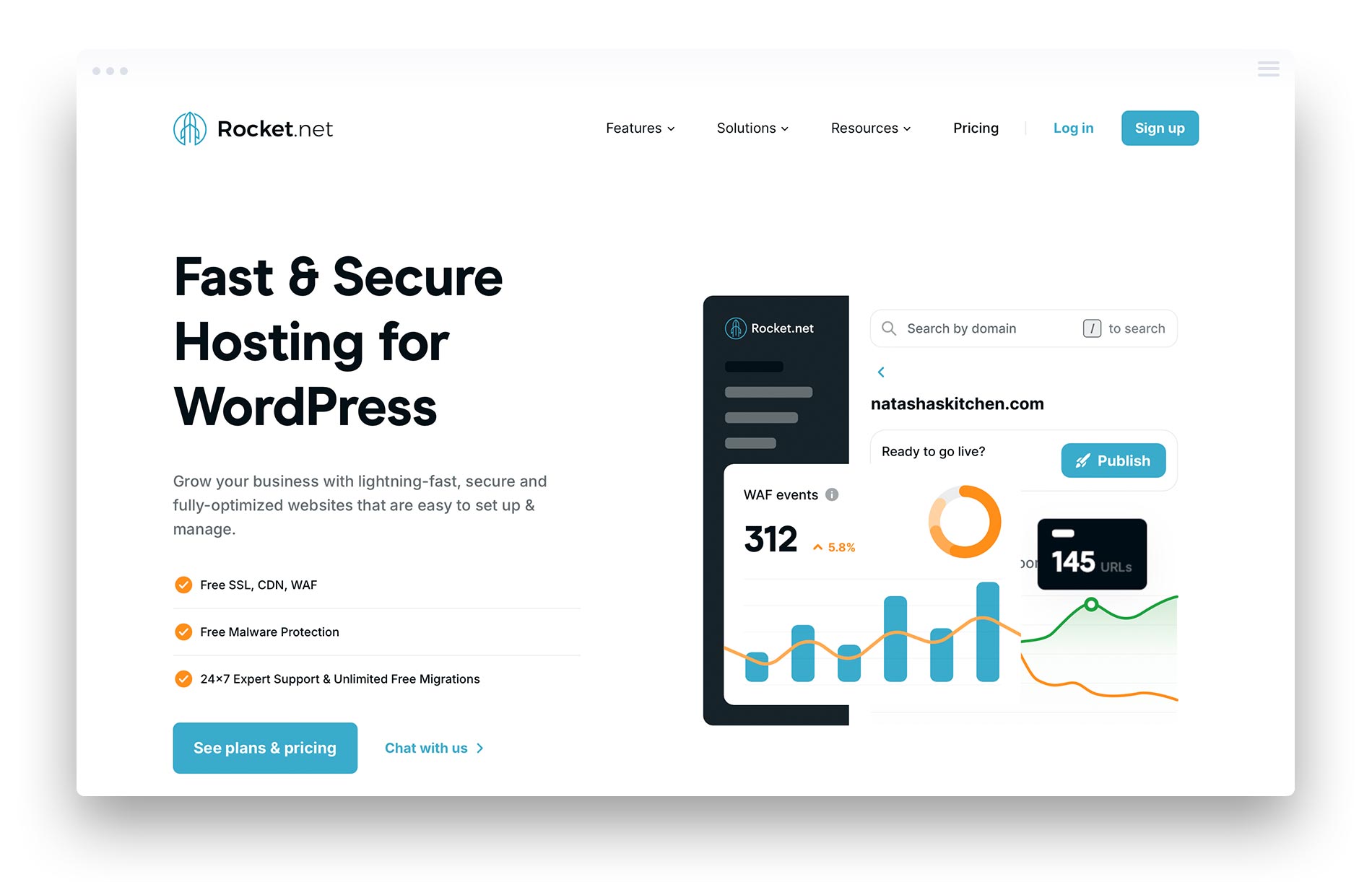
#5 Rocket.net – Performance-Focused Hosting
Rocket.net has built its reputation on raw performance, utilizing a globally distributed edge network to deliver content with minimal latency for wordpress websites.
Overview: Rocket.net’s Cloudflare Enterprise integration and edge-focused architecture deliver exceptional performance for organizations prioritizing site speed above all else.
Key Features:
- Cloudflare Enterprise integration included
- 250+ global edge locations
- Full-page caching at the edge
- Automatic image optimization
- Free themes and premium plugins included
- Aggressive caching for maximum performance
- Easy migration of your existing website to Rocket.net
- Many providers offer free migration services to help users transfer their existing sites without additional costs
Pricing:
| Plan | Monthly Cost | Monthly Visits Allowed | Sites Supported |
|---|---|---|---|
| Starter | $30 | 250,000 | 1 |
| Pro | $60 | 2,500,000 | 3 |
| Business | $100 | 5,000,000 | 10 |
| Enterprise | Custom | Unlimited | 25+ |
Pros:
- Exceptional raw performance metrics
- Cloudflare Enterprise value at standard pricing
- Generous monthly visitors allowances
- Simple, transparent pricing structure
- Effortless migration of your existing website, with many providers (including Rocket.net) offering free migration services
Cons:
- Smaller company with less enterprise track record
- Limited advanced developer workflow tools
- Fewer data center options than larger competitors
Best For: Performance-obsessed organizations wanting maximum speed with Cloudflare Enterprise integration.

#6 SiteGround – Enterprise Cloud Hosting
SiteGround has evolved from a popular shared hosting provider into a legitimate enterprise cloud hosting provider, offering advanced security features and reliable performance.
Overview: SiteGround’s Cloud hosting tier provides dedicated resources and enterprise features for organizations that have outgrown traditional shared hosting but are seeking cost-effective managed hosting.
Key Features:
- Google Cloud Platform infrastructure
- SG Optimizer plugin for performance tuning
- AI-powered anti-bot system
- Automatic WordPress updates with rollback capability
- Distributed backup storage across multiple locations
- Robust security with real-time threat monitoring
- SiteGround offers a range of WordPress plans tailored for different needs, each including managed services, security, and additional tools optimized for WordPress sites.
- Automated backups are a critical feature of enterprise WordPress hosting, typically running daily to ensure data protection.
Pricing:
| Plan | Monthly Cost | CPU Cores | RAM |
|---|---|---|---|
| Jump Start | $80 | 4 cores | 8GB |
| Business | $120 | 8 cores | 12GB |
| Business Plus | $160 | 12 cores | 16GB |
| Super Power | $240 | 16 cores | 20GB |
Pros:
- Strong value proposition for enterprise features
- Excellent security implementation
- Flexible resource scaling
- Well-regarded support team
Cons:
- Less specialized WordPress focus than dedicated WordPress hosts
- Control panel differs from industry-standard options
- Enterprise features require higher-tier cloud plans
Best For: Organizations seeking enterprise-grade features at more accessible price points with flexible resource allocation.
#7 Cloudways – Multi-Cloud Platform Flexibility
Cloudways provides a managed hosting layer on top of multiple cloud infrastructure providers, giving organizations the flexibility to choose their preferred cloud platform for hosting plans.
Overview: Rather than owning infrastructure, Cloudways provides management tools and optimization for WordPress running on AWS, Google Cloud, DigitalOcean, Vultr, or Linode.
Key Features:
- Choice of 5 cloud infrastructure providers
- Managed security and automated backups
- Staging environments with one-click deployment
- Server cloning and scaling
- CloudwaysCDN with 65+ PoP locations
- SSH and SFTP access for developers
- Supports easy migration and management of your existing WordPress site, making it simple to transfer or optimize your website when switching to Cloudways.
- Leading hosting providers often offer a staging environment to test your existing site on the new platform before going live.
Pricing:
| Plan | Monthly Cost | RAM | Storage |
|---|---|---|---|
| DigitalOcean | $14 | 1GB | 25GB |
| Vultr | $16 | 1GB | 25GB |
| AWS | $38 | 2GB | 20GB |
| Google Cloud | $37 | 1.7GB | 20GB |
Pros:
- Ultimate infrastructure flexibility
- Pay-as-you-go pricing model
- No vendor lock-in concerns
- Strong developer-focused tooling
Cons:
- Self-managed aspects require more technical expertise
- Support less WordPress-specialized than dedicated hosts
- Complexity managing multi-cloud deployments
Best For: Organizations requiring multi-cloud flexibility or wanting to leverage existing cloud provider relationships.

#8 Pagely – VIP Enterprise Hosting
Pagely pioneered the managed WordPress hosting category and continues serving enterprise clients with custom infrastructure solutions and premium support for existing WordPress website migrations.
Overview: Pagely positions itself as the original enterprise WordPress hosting provider, focusing exclusively on high-touch enterprise relationships with custom infrastructure configurations.
Key Features:
- AWS infrastructure with custom configurations
- PressCDN for global content delivery
- PressArmor security suite for comprehensive website security, including firewalls, malware scanning, DDoS protection, and real-time security reporting
- Dedicated environment isolation
- Point-in-time recovery options included to ensure data protection
- Expert support with dedicated teams
- Custom SLA arrangements available
Pricing:
| Plan | Monthly Cost | Storage | Bandwidth |
|---|---|---|---|
| VPS-1 | $199 | 15GB | 50GB |
| VPS-2 | $299 | 30GB | 100GB |
| Enterprise | $499+ | Custom | Custom |
Pros:
- Pioneer in enterprise WordPress space
- True enterprise-grade infrastructure
- Highly customizable configurations
- Strong focus on website security for enterprise clients
- Point-in-time recovery options for enhanced data protection
- Strong enterprise customer references
Cons:
- Premium pricing limits accessibility
- Less self-service than modern platforms
- Requires engagement with sales for enterprise needs
Best For: Large enterprises requiring custom infrastructure configurations with dedicated support relationships.
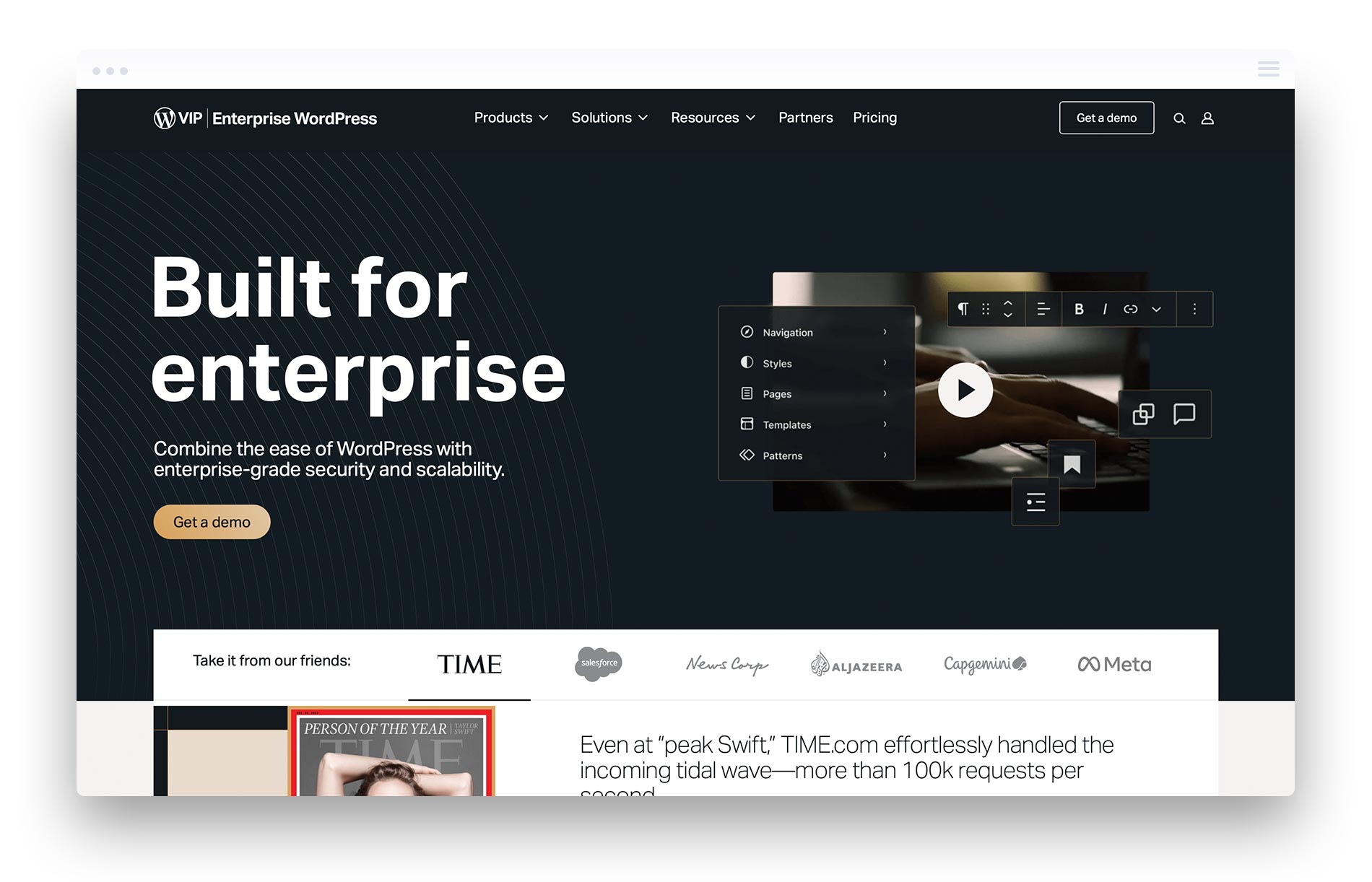
#9 WordPress VIP – Official WordPress Enterprise Platform
WordPress VIP represents the official enterprise hosting platform from Automattic, serving the largest media companies and enterprises requiring the highest levels of support and compliance for their existing site deployments. As an enterprise-ready WordPress solution, WordPress VIP is specifically designed to meet the needs of large, high-traffic, mission-critical WordPress websites, offering advanced security, performance, scalability, dedicated infrastructure, and expert support.
Overview: WordPress VIP provides the highest tier of WordPress hosting available, with dedicated infrastructure, code review processes, and premium support for mission-critical applications. Many enterprise WordPress hosting providers, including WordPress VIP, guarantee 99.9% uptime, which is crucial for minimizing downtime during migration.
Key Features:
- Fully managed enterprise infrastructure
- Mandatory code review process for deployments
- 24/7 support with sub-15-minute response times
- Enterprise compliance certifications
- Strategic consulting services included
- Custom enterprise SLA arrangements
Pricing:
| Plan | Monthly Cost | Features |
|---|---|---|
| Standard | $2,000+ | Enterprise infrastructure and support |
| Premium | $5,000+ | Enhanced enterprise features and priority support |
Multi-Site Management
For organizations managing multiple WordPress sites—whether for different brands, departments, or client portfolios—multi-site management is a game-changer. Managed WordPress hosting platforms with multi-site capabilities allow you to oversee all your sites from a single, intuitive dashboard. This centralized approach streamlines routine tasks such as updating plugins, themes, and WordPress core files across multiple sites, reducing the risk of errors and saving valuable time.
Multi-site management also enhances security monitoring and backup processes, providing a unified view of your sites’ health and performance. Hosting platforms like WP Engine offer automated updates, regular backups, and real-time security monitoring for all your client sites, ensuring consistent protection and optimal performance. Whether you’re an agency managing multiple client sites or a business with several online properties, leveraging a managed WordPress hosting platform with robust multi-site management tools simplifies administration and helps maintain enterprise-grade security and reliability across your entire digital portfolio—especially when you implement a WordPress Multisite network.
Conclusion and Next Steps
Enterprise WordPress hosting requires dedicated infrastructure, advanced security features, and expert support to meet the demands of business-critical WordPress websites. The right hosting solution provides the foundation for digital success, while the wrong choice creates ongoing performance, security, and management headaches.
Kinsta leads the enterprise WordPress hosting market through its Google Cloud Platform infrastructure, transparent pricing model, and exceptional support quality. The combination of premium network connectivity, comprehensive security, and WordPress-specific expertise creates an unmatched hosting service for organizations demanding the best.
Immediate action steps:
- Audit current hosting performance using Core Web Vitals data and uptime monitoring to identify specific gaps
- Calculate the total cost of ownership for your top 3 hosting platform candidates, including migration, setup, and management costs
- Schedule demos with preferred providers to evaluate dashboard usability and ask enterprise-specific questions
- Request detailed proposals with SLA terms, migration timelines, and compliance documentation
- Plan your migration strategy using staging environments and rollback procedures to minimize business disruption
- If you are migrating an existing site, look for providers that offer seamless onboarding and migration support to ensure a smooth transition.
Managed WordPress hosting provides a user-friendly experience with pre-installed WordPress and easy setup, making it easier to get started or migrate an existing site.
Related topics to explore: WordPress enterprise security best practices for maintaining protection post-migration, multisite network optimization strategies for organizations managing multiple WordPress sites, and enterprise SEO hosting considerations that impact search visibility for your new website infrastructure.
Additional Resources
- Enterprise WordPress hosting checklist: 25 evaluation criteria covering infrastructure, security, support, pricing factors, and the ease of managing editable content for technical teams assessing providers
- Migration timeline template: Milestone checkpoints and testing procedures for moving an existing WordPress website with minimal business disruption, including evaluating how editable content can be customized and managed during migration
- Compliance documentation guide: Templates and requirements for SOC 2, GDPR, HIPAA, and PCI DSS compliance verification during vendor selection
Frequently Asked Questions When Comparing Enterprise-Level WordPress Hosting Platforms
Enterprise WordPress hosting offers dedicated resources, advanced security features, automated updates, and expert support tailored specifically for high-traffic, business-critical WordPress websites. It delivers higher performance, reliability, and scalability than standard shared or managed hosting.
Uptime guarantees, typically 99.9% or higher, are crucial for enterprise hosting to minimize downtime and maintain business continuity. Service Level Agreements (SLAs) define these guarantees and often include compensation if uptime standards are not met.
Look for features such as web application firewalls (WAFs), DDoS protection, automated malware scanning and removal, multi-factor authentication, SSL certificates, and continuous security monitoring to protect your site from cyberattacks and data breaches.
Most enterprise providers offer free site migration services with minimal downtime. They also provide staging environments to test your existing site on the new platform before going live.
Enterprise hosting platforms use auto-scaling, load balancing, and advanced caching technologies to manage sudden traffic surges without impacting site performance or availability.
Expect 24/7 expert support from WordPress professionals with rapid response times. Some providers offer dedicated account managers and advisory services to assist with complex configurations and optimizations.
While many plans include free domains, SSL certificates, and migrations, watch for additional fees related to premium support, CDN bandwidth, or staging environments. Always review pricing details carefully.
Leading providers often hold certifications such as SOC 2 Type II and provide compliance documentation for GDPR, HIPAA, and PCI DSS to meet your organization’s regulatory requirements.
Enterprise hosting typically includes advanced caching (e.g., Redis object cache), content delivery networks (CDNs), optimized server configurations, and real-time performance monitoring to ensure maximum speed and reliability.
Yes, many offer multisite management capabilities with centralized dashboards, enabling streamlined updates and security management across multiple client sites or domains.