







Manufacturing Company Web Design Best Practices
Show capabilities fast
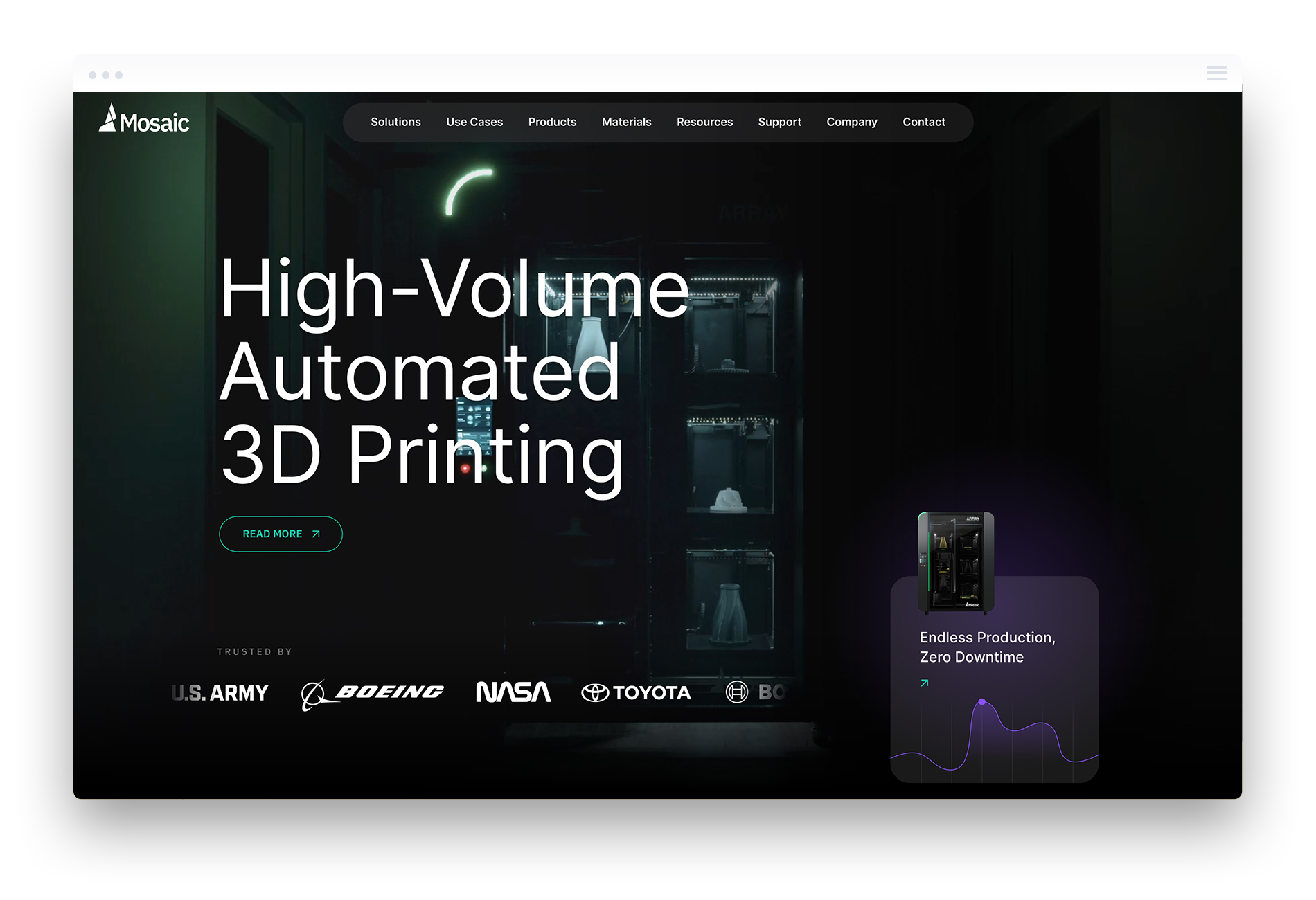
Your homepage should state what you produce in direct language. Use clear product categories and strong visuals that show real parts, machinery or outcomes. Users arrive with a purpose, so they should understand your capabilities in seconds.
Make technical data easy to find
Every product page should include structured specs, materials, tolerances and certifications. Present this information in tables so engineers and buyers scan quickly. Offer downloadable PDFs for teams that need to share data internally. Simple access to facts reduces friction.
Highlight quality and compliance
Quality and compliance shape trust in manufacturing. Highlight your standards and testing processes. Show your ISO or industry certifications and explain what they mean in practical terms. Add a short overview of your QA steps so users understand how you control consistency and safety.
Support engineers and buyers
Engineers and buyers often need proof that your products fit their application. Support them with drawings, CAD files, dimensional charts and clear examples. Include application notes, sample use cases and guidance on purchasing steps. Build contact forms tailored to RFQs so teams get accurate quotes without extra emails.
Strengthen trust with proof
Case studies with real numbers show users what you deliver. List the industries you serve and add photos or short videos of your facility and processes. Include testimonials from clients with names and roles. This supports buyer confidence and reduces hesitation.
Improve navigation for large catalogs
Keep your top menu simple and structured by product families. Add filters for size, material or application so users reach the right item quickly. Keep labels short. Limit page depth so important items never sit too far down the tree.
Focus on performance and reliability
Use fast hosting, compressed images and minimal scripts. Keep your code clean. Slow pages reduce conversions and search visibility. A fast site keeps buyers engaged and improves ranking.
Build a CMS that fits your workflow
Create fields for specs, certifications, industries and applications. Remove clutter. Use repeatable blocks for catalog items so every page stays consistent. This reduces manual formatting and speeds up updates.
Strengthen your brand voice
Use stable colours, typography and components. Show your team and facility. Present a clear identity that signals reliability. A strong brand helps users stay confident in your process.
Guide users to conversion
Place RFQ buttons near technical data. Offer direct phone and email options. Keep your forms short. Track performance so you learn which pages bring in the strongest leads.